
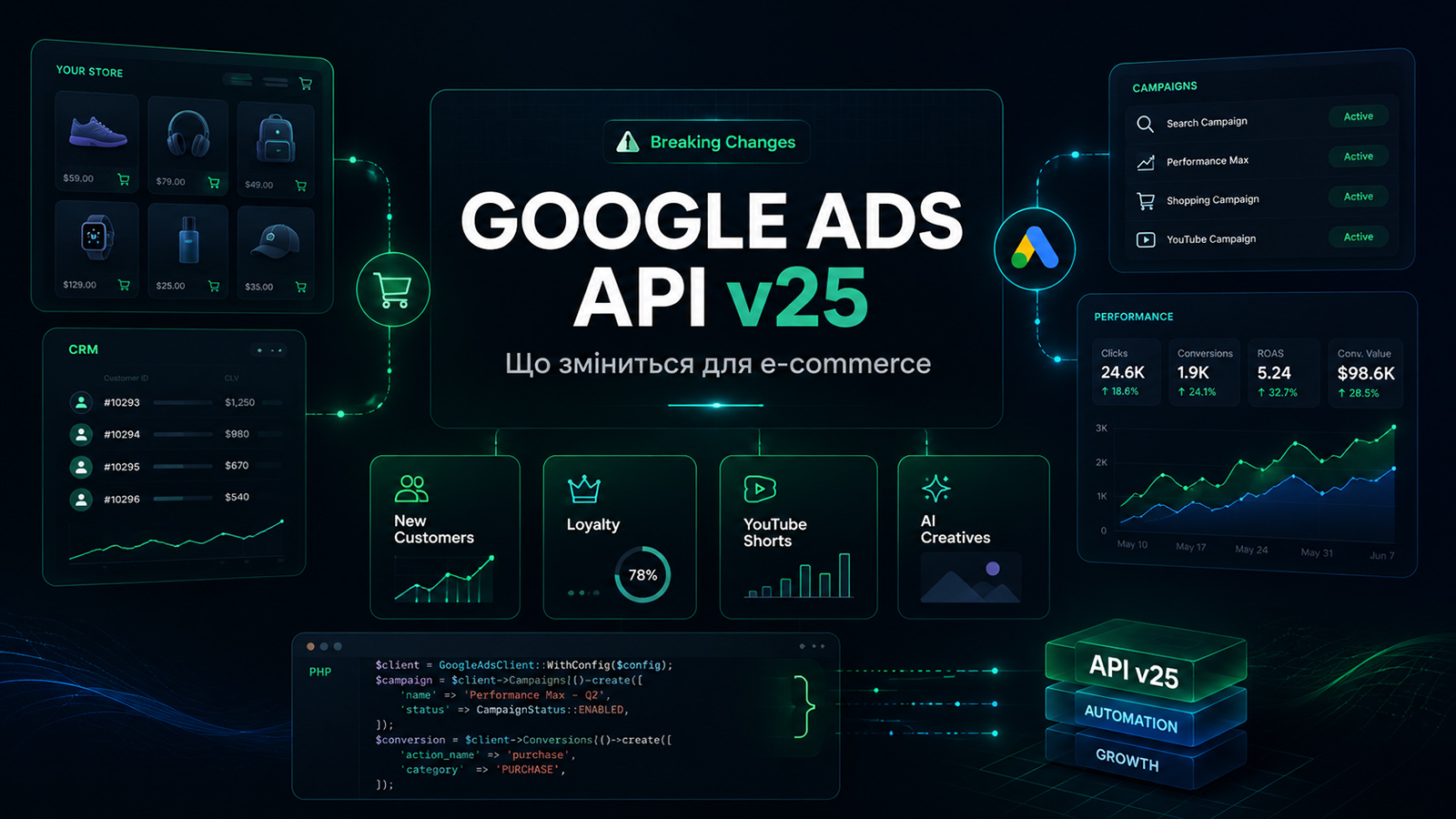
On July 22, 2026, Google released Google Ads API v25, a new major version of the programming interface used to manage advertising. The release introduces new customer acquisition and retention goals, engagement metrics for YouTube Shorts ads, synthetic and AI-generated content declarations, and automated animated asset creation for Demand Gen. At the same time, v25 contains breaking changes that may cause existing integrations to stop working after a routine client library update.
The key points in one minute
Google Ads API v25 is not required for every online store. It primarily affects businesses with custom advertising automation, CRM integrations, offline conversion uploads, or proprietary reporting dashboards.
Google removed legacy customer lifecycle goal resources and moved integrations to a new unified structure.
A separate Loyalty Retention Goal has been introduced for working with loyalty program members.
YouTube Shorts advertising reports can now include comments, likes, and shares.
New Demand Gen multi-asset ads created through v25 may use automated animated image generation by default.
Synthetic and AI-generated content declaration fields became writable in v25, v24, and v23.
The official PHP client for v25 requires a recent library version and PHP 8.1 or newer.
Legacy OpenCart installations running PHP 5.6 or 7.4 should connect to Google Ads through a separate integration service.
What Google released
Google Ads API is a programming interface for systems that manage advertising accounts directly through code. It can be used to create campaigns, adjust budgets, upload audiences, send conversion data, retrieve reports, and manage multiple advertising accounts from a central platform.
Version v25 is a major release. This means it includes not only additional fields and new features, but also incompatible changes such as removed resources, new data structures, changed field types, and additional validation requirements.
Important clarification
The release of v25 does not mean that every online store owner must urgently update their website. The first step is to determine whether the website or any connected system uses Google Ads API at all.
Who is affected by Google Ads API v25
The update affects an online store when its module, CRM, server-side script, or custom management panel sends programmatic requests to Google Ads.
Typical API use cases include:
automatically creating advertising campaigns for new products and categories;
pausing ads for products that are out of stock;
adjusting budgets based on revenue, profit margin, ROAS, or inventory levels;
uploading CRM orders as offline conversions;
adjusting conversion values after a return or order cancellation;
uploading Customer Match audiences;
segmenting new, returning, B2B, and retail customers;
building a proprietary advertising analytics dashboard;
managing multiple advertising accounts from a single administrative panel;
automatically identifying campaigns with overspending or declining performance.
What Google Ads API is not
The API update should not be confused with other Google products and integrations.
| Tool | Purpose | Does v25 require an update? |
|---|---|---|
| Google Ads API | Programmatic management of advertising, reports, audiences, and conversions | Yes, if a custom integration uses an older API version |
| Google Ads interface | Manual creation and configuration of advertising campaigns | No |
| Google tag or gtag.js | Tracking user actions on a website | Not directly |
| Google Analytics 4 | Website behavior and conversion analytics | No |
| Merchant Center | Product feeds, prices, availability, and free listings | No, it uses a separate interface |
| Standard OpenCart module | May only insert analytics or conversion tracking code | Check whether the module actually calls Google Ads API |
If a store only uses the Google Ads interface, GA4, Merchant Center, and a standard purchase conversion tag, no urgent migration is required because of the v25 release.
New and returning customers move to a new goal structure
One of the most significant changes in v25 concerns the customer lifecycle. Google removed the legacy CustomerLifecycleGoal and CampaignLifecycleGoal resources and introduced a unified structure based on the Goal and CampaignGoalConfig resources.
This is critical for legacy integrations. If existing code reads, creates, or modifies the removed resources, simply changing the API version number will not be enough. Developers must rewrite the request-building logic and update the response mapping.
New Customer Acquisition Goal
The updated customer acquisition goal allows businesses to configure separate logic for first-time purchases and account for the additional value of a new customer.
For example, an online store may be willing to spend more to acquire a first order because its internal data shows that the customer is likely to make several repeat purchases during the following year. In that case, the first order may have a higher advertising value than its immediate transaction amount.
However, the feature only works properly when the store can accurately identify a new customer. Common problems include:
the same customer placing orders with different email addresses;
guest orders not being connected to a registered account;
phone numbers being stored in inconsistent formats;
returned or test orders being counted as successful purchases;
B2B customers being mixed with retail customers;
the CRM and the online store using different customer identifiers.
Loyalty Retention Goal
Version v25 introduces a separate Loyalty Retention Goal. It is designed for campaigns focused on loyalty program members and repeat customers.
The new settings can be used to:
apply bid adjustments for loyalty program members;
treat customer retention as a separate campaign objective;
display loyalty program benefits in product ads;
separate new customer acquisition from repeat sales;
build reporting based on customer type.
The goal does not create a loyalty program automatically. The store still needs its own rules, membership identifiers, order history, and reliable data transmission.
YouTube Shorts receives separate social engagement metrics
Google Ads API v25 introduces three video-specific metrics for advertising in YouTube Shorts:
Metrics.youtube_comments— comments;Metrics.youtube_likes— likes;Metrics.youtube_shares— shares.
The metrics are available at campaign, ad group, ad, asset, customer, and video levels. This makes it possible to build reports that show not only impressions and clicks, but also the audience’s direct response to a particular video.
How Shorts performance should be evaluated
A comment or like is not the same as a purchase. For accurate reporting, metrics should be divided into three layers:
Attention: impressions, views, frequency, and watch time.
Engagement: likes, comments, and shares.
Business results: website visits, add-to-cart events, purchases, revenue, and profit margin.
A video may receive many reactions because it is humorous or provocative while generating no sales. An analytics dashboard should therefore avoid combining engagement and ROAS into a single artificial performance score.
AI content declarations and automated animation
Synthetic content information can be submitted programmatically
The Asset.synthetic_content_info and Ad.synthetic_content_info fields contain information about synthetic or AI-generated content.
In the v25 release notes, Google clarified that these fields became fully writable in v25, v24, and v23. This is an important distinction: updating synthetic content declaration logic does not necessarily require a full migration to v25 if the integration already uses a supported v23 or v24 version.
A custom advertising system should store information about the origin of a creative before it is uploaded to Google Ads.
Recommended database fields include:
origin type: photograph, graphic design, AI-generated, or mixed content;
the service or model used to generate the content;
generation date;
the author or responsible manager;
manual approval status;
source file version;
the declaration status submitted to the advertising platform.
AI-generated content should not be identified only by a filename such as generated-banner-final-2.jpg. The file may be renamed, causing the origin information to be lost.
Demand Gen can generate animated images
Version v25 introduces a new automation type called GENERATE_ANIMATED_IMAGES_FROM_OTHER_ASSETS. It allows Google to generate animated assets from ordinary static images for Demand Gen multi-asset ads.
For new ads of this type created through v25, the automation is enabled by default.
This can accelerate creative production, but it also introduces several risks:
the logo may move or scale unnaturally;
part of the product may be cropped;
small text may become unreadable;
the composition may not follow the brand guidelines;
the animation may look less professional than the original static design;
the system may create variations that were never manually approved.
After the migration, the automation settings, source assets, and ad previews should be reviewed separately for mobile and desktop placements.
Which breaking changes may disrupt an integration
Version v25 contains structural changes, removed resources, and new required-field rules. The highest risk applies to integrations that have not been updated for a long time and do not have automated tests.
| What changed | Possible consequence | What should be checked |
|---|---|---|
| Legacy lifecycle goal resources were removed | Class, service, or endpoint errors | All CustomerLifecycleGoal and CampaignLifecycleGoal calls |
| The customer value structure was changed | Incorrect request construction | Additional value and lifetime value mapping |
| Some optional fields became required | Requests fail validation | ApplyIncentive and product link invitation requests |
| The customer metrics type was changed | Reports return a different data structure | DTOs, serialization, CSV exports, and charts |
| Some planning fields were removed or renamed | Errors when building forecasts | Creator insights and reach forecast queries |
| New AI and Demand Gen settings were introduced | Unwanted creative automation | AssetAutomationSettings and the approval workflow |
The worst possible strategy is to replace v24 with v25 in the configuration and immediately deploy the change to production.
A separate problem: the official library requires PHP 8.1+
According to Google’s official compatibility table, Google Ads API v25 requires PHP client library version 34.0.0 or newer. The current library requires PHP 8.1 or later.
This creates a problem for legacy stores, including OpenCart 2.3 installations that continue to run on PHP 5.6 or 7.4.
Installing the current client library directly inside such a store may cause:
Composer errors caused by an unsupported PHP version;
version conflicts involving
google/protobuf,grpc, orgoogle/auth;a significant increase in the size of the
vendordirectory;conflicts with other legacy packages;
fatal errors during class loading;
an inability to update the advertising integration safely in the future.
Recommended architecture
OpenCart / PrestaShop │ │ orders, products, statuses, profit margin ▼ Integration Gateway running PHP 8.2+ │ ├── operation queue ├── request log ├── retry mechanism ├── duplicate protection └── OAuth2 and Google Ads client library │ ▼ Google Ads APIThe online store should not need to understand the internal structure of the current Google Ads API. It should send a stable set of business data to a separate service, while the service converts that data into requests for the required API version.
This architecture makes it possible to:
avoid upgrading the legacy store core for a single integration;
use a modern PHP version, Composer, and supported libraries;
upgrade Google Ads API independently from OpenCart;
retry failed requests without affecting the customer;
avoid slowing down the checkout process;
maintain several online stores from one integration service;
keep a detailed log of conversion uploads.
When older versions will stop working
The release of v25 does not disable previous versions immediately. Google publishes a separate sunset schedule that specifies when requests to a particular API version will stop working.
| Version | Release date | Estimated sunset | Urgency assessment |
|---|---|---|---|
| v21 | August 6, 2025 | August 2026 | Critical: migration should be completed |
| v22 | October 15, 2025 | October 2026 | High: migration work should be planned now |
| v23 | January 28, 2026 | February 2027 | Medium |
| v24 | April 22, 2026 | May 2027 | Low if the new v25 functionality is not required |
| v25 | July 22, 2026 | August 2027 | Current version |
Google may update the dates. Delaying migration until the final week is particularly risky: after the sunset date, requests will begin returning errors, and conversion uploads, audience updates, or reporting may stop working.
How to identify the current version
The API version may not be listed in the module settings. It can also be defined in:
Composer dependencies;
a namespace name;
a REST endpoint;
a configuration file;
the Docker image of the integration service;
a legacy cron script;
an external CRM or agency platform.
Google also allows developers to review recent API calls in Google Cloud Console. The method name includes the version, service, and operation, for example google.ads.googleads.v25.services.GoogleAdsService.Mutate.
A detailed plan for safely upgrading to v25
Stage 1. Inventory
Find all modules, CRM systems, cron scripts, and services that interact with Google Ads.
Identify the API version used by each component.
Record the current client library version.
Check the PHP, Composer, gRPC, and Protobuf versions.
Create a list of accounts and campaigns managed by the integration.
Stage 2. Functionality map
For every API call, record its purpose:
reading statistics;
creating or editing campaigns;
changing budgets;
uploading conversions;
adjusting conversions;
Customer Match operations;
creative asset management;
retrieving recommendations;
customer lifecycle goal management;
forecast generation.
Stage 3. Baseline control data
Before the upgrade, save a baseline set of results:
advertising spend for the last 7 and 30 days;
clicks and impressions;
conversions and conversion value;
the number of active campaigns;
the number of uploaded audiences;
recent successful and failed API operations;
sample responses for critical GAQL queries.
After the migration, these results should be used for comparison. Without baseline data, a team may fail to notice that the new version returns fewer rows or excludes some conversions.
Stage 4. Code update
Update the client library in a separate branch or container.
Replace the removed lifecycle goal resources.
Review all GAQL queries.
Update DTOs, data types, and serialization.
Check newly required fields.
Update the handling of new error codes.
Review AI content and Demand Gen automation settings.
Stage 5. Testing
The following areas should be tested separately:
OAuth2 authorization;
access token refresh;
report retrieval;
campaign creation and editing;
test conversion uploads;
repeated submission of the same operation;
partial failures in batch requests;
rate limits and retry behavior;
temporary Google API outages;
an invalid customer ID;
insufficient user permissions;
queue recovery after a service restart.
Stage 6. Gradual rollout
The safest approach is to enable the new version for one test account or a less critical account first. Once reports and mutation operations have been verified, the remaining accounts can be migrated gradually.
For critical reports, it may be useful to run the old and new queries in parallel temporarily and compare:
the number of returned rows;
advertising spend;
conversions;
revenue;
segmentation;
value types;
query execution time.
What should be added to the integration during migration
An API upgrade is a good opportunity not only to rewrite legacy classes but also to resolve architectural weaknesses.
Operation queue
A conversion should not be uploaded directly during checkout. The store should add a task to a queue and complete the checkout process immediately. A separate worker should then send the data to Google.
Duplicate protection
Every operation should have a stable external identifier. Restarting a cron task or worker must not create an additional conversion for the same order.
Change and request log
The following information should be stored for every upload:
order number;
event type;
date and time;
amount and currency;
API version;
customer ID;
operation status;
error code;
number of retry attempts;
Google response identifier.
Adjustments after returns
If an order is cancelled or partially refunded, the advertising system should not continue treating it as full revenue. The integration should receive the final order status and submit the appropriate conversion adjustment.
Profit margin instead of revenue alone
Two products with the same selling price may have very different profitability. A custom analytics system should therefore store not only revenue, but also:
purchase cost;
discount amount;
delivery costs;
payment system fees;
marketplace commission;
gross profit;
actual margin after returns.
The advertising dashboard can then show not only ROAS, but also the real profit generated by a campaign.
What online store owners should do now
Scenario 1. You only use the Google Ads interface
No urgent action is required. The release of v25 does not require changes to the website, Google Analytics, or the standard Google tag.
Scenario 2. You have a conversion tracking module
Review the module documentation and source code. Some modules submit conversion data through a browser-side tag, while others send server-side requests directly to Google Ads API.
Scenario 3. Your CRM uploads offline conversions
Identify the current API version, its sunset date, and the client library used by the CRM. Integrations running v21 or v22 require particular attention.
Scenario 4. Your store runs PHP 5.6 or 7.4
Do not install the current PHP client library directly into the legacy project. Move the Google Ads integration into a small separate service running PHP 8.2 or another currently supported version.
Scenario 5. You optimize bids for new and returning customers
Review the migration from the legacy lifecycle goal resources to the new structure. Customer identification quality, guest orders, duplicate profiles, and returns should also be audited.
Scenario 6. You use Demand Gen campaigns
Check whether automated animated image generation is enabled, which assets are used as the source, and who is responsible for approving the variations created by Google.
A five-minute check
Search the codebase for
GoogleAdsClient,google.ads.googleads, andgoogleads/google-ads-php.Review
composer.jsonandcomposer.lock.Find the API version number: v21, v22, v23, v24, or v25.
Review recent requests in Google Cloud Console.
Check for failed conversion uploads or cron errors.
Compare the current version with its sunset schedule.
Do not update production without a baseline report and a backup.
Frequently asked questions
Do I need to update a standard Google Analytics module?
Not necessarily. Google Analytics, Google tag, and Google Ads API perform different functions. The first step is to verify whether the module sends server-side requests to Google Ads API.
Did v23 and v24 stop working after v25 was released?
No. They remain available until their respective sunset dates. Under the current schedule, v23 is expected to remain available until February 2027, while v24 is expected to remain available until May 2027.
Who needs to upgrade urgently?
Integrations using v21 require the most urgent attention because its sunset is planned for August 2026. Users of v22 should also begin planning migration because its sunset is currently expected in October 2026.
Can the new PHP client library be installed in OpenCart 2.3?
Only when the hosting environment and all dependencies meet the library requirements. A store running PHP 5.6 or 7.4 cannot use the current library normally because it requires PHP 8.1 or newer. A separate integration service is the safer solution.
Can I use the API without the official PHP client library?
Technically, a custom REST client can be developed. However, the developer would then be responsible for OAuth2, request structures, data types, retries, error handling, and API version upgrades. For most projects, a separate service using the official library is more reliable.
Will Google create animations for every ad?
No. The described change applies to new Demand Gen multi-asset ads created through v25 when the corresponding automation type is enabled by default.
Is it necessary to migrate from v24 to v25 immediately?
No, provided the integration is stable and the new v25 features are not required. However, breaking changes should be reviewed in advance, tests should be prepared, and migration should not be delayed until the final days of v24 support.
Will Loyalty Retention Goal automatically improve repeat sales?
No. The result depends on the quality of customer lists, order history, correct loyalty member identification, and reliable conversion data.
Should information about AI-generated creatives be stored in the company database?
This is recommended for systematic automation. It allows the store to track file origin, manual approval, asset version, and the declaration submitted to the advertising platform.
How can we confirm that the migration was successful?
Compare reports before and after the upgrade, verify test conversion uploads, review error logs, and compare report row counts, spend, revenue, and all automated campaign operations.
Technical audit
Not sure which Google Ads API version your online store uses?
SiteZilla can audit your modules, CRM, cron scripts, and external services, identify outdated API calls, evaluate sunset risks, and prepare a migration plan.
For legacy OpenCart and PrestaShop stores, we can move the advertising integration into a separate modern service, configure a conversion upload queue, add duplicate protection and error logging, and build reporting based on profit margin, new customers, and returning customers.
Request an advertising integration audit